2026-01-08
In today's real estate world, the speed of response to a client's inquiry is a key competitive advantage. If a lead from the website ends up in an email inbox that is checked once a day, you have already lost the client. CRM (Customer Relationship Management) integration with your website transforms your web resource from a simple showcase into a powerful profit-generating tool.
1. Why Integration is a Necessity, Not a Luxury
Without synchronization between the website and the CRM, an agency faces three main problems: lead loss, data duplication, and low processing speed.
Key Benefits of Integration:
- Instant Lead Capture: As soon as a user leaves a request, it is already in the CRM.
- Automatic Distribution: The system assigns a responsible realtor based on the district or property type.
- Real-time Database Updates: When you change a property's status in the CRM (e.g., "Sold"), it automatically disappears from the website.
- End-to-End Analytics: You can see which advertising channel the client came from and the total revenue they generated.
2. All-in-One Solution: Confidence CRM for Real Estate
One of the most effective tools for the market is the specialized module from Confidence CRM
What You Get with Confidence CRM:
- Property Management: A comprehensive real estate catalog with filters, photos, and documents.
- Lead Management: Automatic capture of buying and rental requests directly from your website.
- Tenant Management: Handling contracts, payment schedules, and interaction history.
- Agent KPI Dashboard: An information panel to monitor staff performance and activity in real-time.
This solution is ideal not only for classic agencies but also for developers, business brokers, and property management companies.
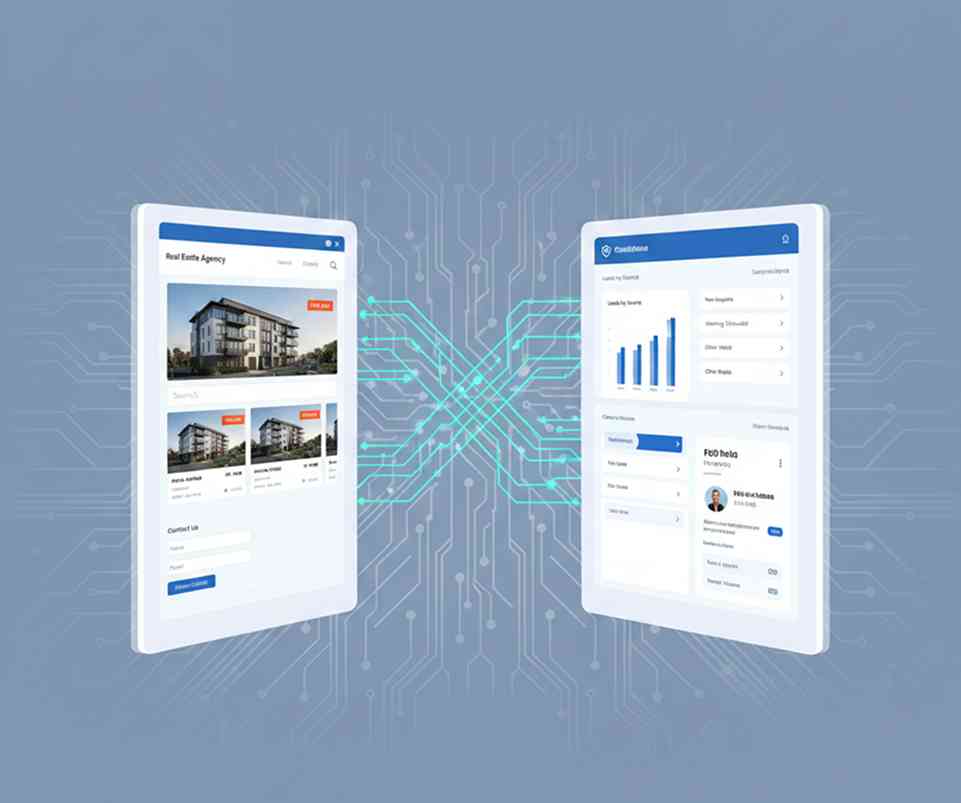
3. How the "Website — CRM" Link Works
An effective real estate ecosystem is based on two-way data exchange.
Direction: Website → CRM (Lead Collection)
Every contact form or viewing request transfers the following to the CRM:
- Contact details (name, phone, email).
- Search parameters (price, number of rooms, residential complex).
- Traffic source (UTM tags).
Direction: CRM → Website (Property Export)
Instead of manually adding listings to the website, you fill out a property card in the CRM, and it automatically appears on the site. The Confidence CRM module allows you to manage the entire catalog centrally, saving up to 40% of a content manager's time.
4. Key Integration Features
| Feature | Benefit |
| Auto-matching | The CRM analyzes the website request and automatically offers the client matching properties. |
| Status Synchronization | The "Reserved" status is displayed on the website instantly. |
| Reports & Analytics | Automated reports on properties, agents, and company revenue. |
| Flexible Permissions | Setting up who among the staff can see owner contacts and who sees only property descriptions. |
5. Step-by-Step Implementation Plan
- Process Audit: Define what data you want to collect (rent, sale, primary/secondary market).
- Tool Selection: Using ready-made modules like the
Real Estate Module from Confidence CRM - Configuration: Connecting website forms to the CRM and importing the existing property database.
- Testing: Checking data transfer accuracy and notification delivery.
- Staff Training: Ensure all agents know how to work with leads within the system interface.
Conclusion
Integrating your CRM with your website is an investment that pays off through increased conversion rates and time savings. Using professional solutions like Confidence CRM allows you to automate routine tasks and focus on what matters most — closing deals.
Pro Tip: Start by integrating lead forms, and as a next step, set up automated property catalog management. This will keep your agency one step ahead of the competition.
Recent post
_11zon.jpg)
Tagscloud
Subscribe our weekly subscription
Add some text to explain benefits of subscripton on your services. We'll send you the best of our blog just once a weekly.