2025-12-17
In modern business, decisions made on "gut feeling" lose to data-driven insights. For a business owner or CEO, a CRM system is not just a customer database; it is the primary source of analytics. However, an information overload can be just as confusing as a total lack of it.
In this article, we will explore how to create the ideal executive dashboard, which metrics to include, and how to turn raw numbers into a tool for strategic growth.
Why Every Executive Needs a Dedicated Dashboard
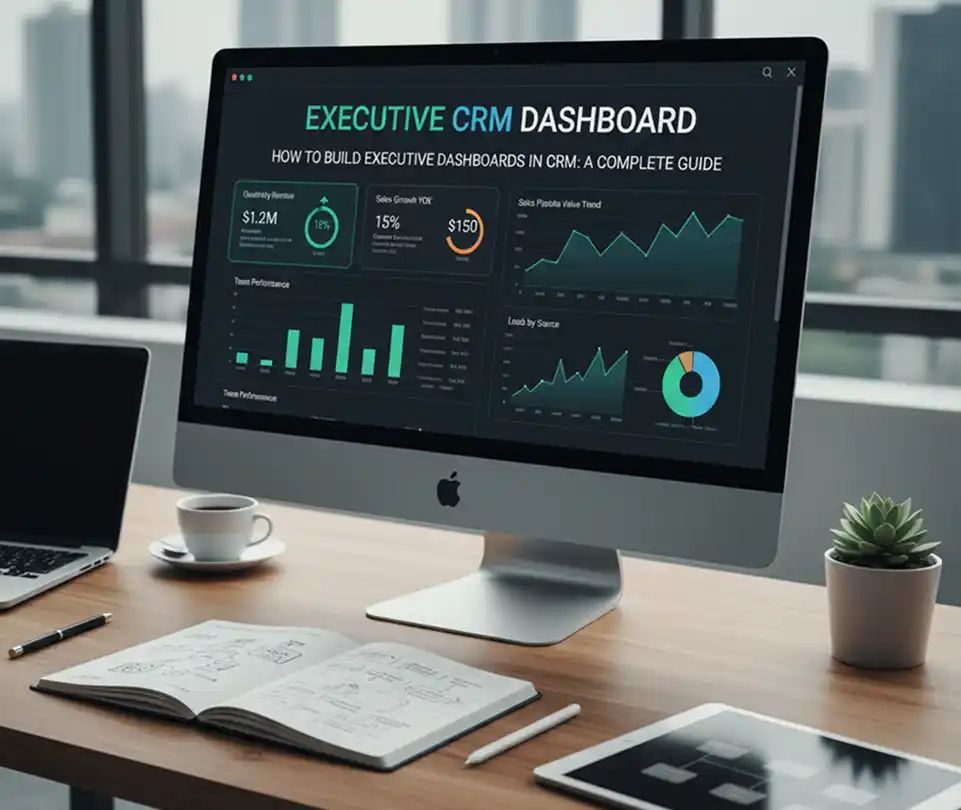
A dashboard is a visual control panel that gathers key performance indicators (KPIs) on a single screen in real-time. Unlike employee reports, an executive dashboard should:
- Focus on the big picture: Display only data that directly impacts profit and strategy.
- Save time: Instead of studying dozens of spreadsheets, an executive can grasp the overall situation in 30 seconds.
- Detect anomalies: Highlight sales drops or project delays at an early stage.
One of the critical aspects of control is
Key Components of an Ideal Dashboard
To make a dashboard truly useful, divide it into logical zones:
1. Financial Indicators (Revenue)
The foundation of any business. An executive must see:
- Total Sales Volume for the current month compared to the target.
- Average Order Value (AOV) (growth or decline trends).
- LTV (Lifetime Value): How much revenue a single customer generates over their entire relationship with the company.
2. Sales Funnel Efficiency (Processes)
It is crucial to understand where the business is losing money:
- Conversion Rates at each stage of the funnel.
- Lost Reasons: Why customers are choosing competitors.
- Lead Response Time: How much time passes between the first inquiry and the first contact.
3. Project Activity and Resources
If your business involves services or production, be sure to include:
- Status of key project milestones.
- Profitability of specific business units or departments.
- Identification of "bottlenecks" in team workflows.
3 Steps to Building an Effective CRM Dashboard
Step 1: Define Your Goals
Before setting up the dashboard, answer the question: "What problem am I trying to solve today?". If it’s sales control, focus on revenue. If it’s service improvement, focus on response speed and feedback.
Step 2: Choose the Right Visualization
- Pie Charts: For structure (e.g., market share by region).
- Line Graphs: For tracking trends over time (revenue dynamics).
- "Traffic Lights" (Green/Yellow/Red): For an instant assessment of target achievement.
Step 3: Set Up Automation
Data must update automatically. Manual entry in Excel leads to errors and outdated information. Modern CRMs allow for the integration of data from telephony, websites, and ad accounts directly into the dashboard.
Common Dashboard Mistakes to Avoid
- Overcrowding: More than 7-9 elements on one screen scatters attention.
- Lack of Context: A figure like "$50,000 revenue" means nothing if we don't know the goal was "$100,000". Always add comparisons to previous periods or targets.
- Ignoring Mobile: Executives often check metrics "on the go," so the dashboard must be mobile-friendly.
Pro Tip: If you feel that operational management is consuming too much time, consider professional setup forsystems. This will help automate the control of deadlines and quality of execution.
Conclusion
A CRM dashboard is not just a pretty picture; it is the "pulse" of your business. Properly configured analytics allow an executive to stop "putting out fires" and start making strategic decisions that scale the company.
Recent post


Tagscloud
Subscribe our weekly subscription
Add some text to explain benefits of subscripton on your services. We'll send you the best of our blog just once a weekly.